YOUR IPHONE
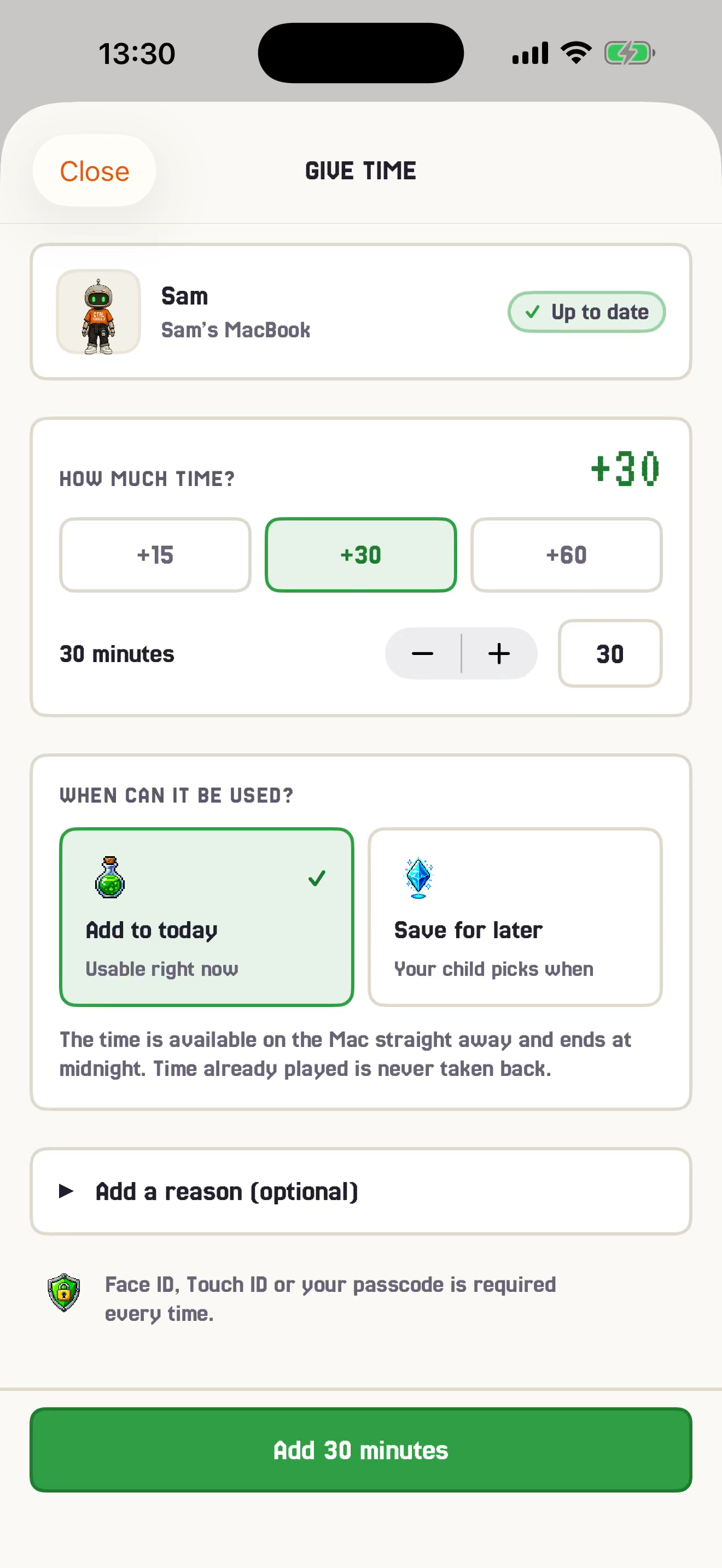
Spot it. Tap +15. Look suspiciously organised.

BUILT BY A DAD. STRESS-TESTED BY A CHILD.
Spot something worth rewarding? Send minutes from your iPhone. Your child can use them now or save them for later. GGbot runs the clock on the family Mac, so you can stop hovering like a disappointed project manager.

THE 16-SECOND VERSION
The minutes land on the family Mac. Your child can play now or bank them for later. You get to say why. Nobody opens a spreadsheet.
THE FAMILY CACHE PROBLEM
Yesterday was different. Practice definitely counted. And “one last round” has somehow entered an infinite loop.
Set the rules once. GG Time keeps one balance, remembers the deal and runs the unpopular countdown.
THE HIGHLY ADVANCED PROTOCOL
No coins. No chore marketplace. No dishwasher IPO. Just minutes and a reason.
ONE DAD TO ANOTHER
Use minutes for the stuff worth noticing: persistence, practice and genuine help. Not every sock that reaches the laundry basket. Otherwise you have built SAP for childhood, and nobody wants that.
USEFUL “You kept practising even when it became difficult. +15.”
YOU HAVE GONE TOO FAR “Two minutes for teeth. Quarterly bonus for matching socks.”
The minutes open the ears. The reason is the actual parenting.
The short version: specific, sincere praise can help. Rewards that feel controlling can backfire. The reason you give matters as much as the minutes.
Read the reviews on specific praise, expected rewards and motivation with incentives, plus the AAP’s wider view of children’s digital lives.
GG Time itself has not been independently shown to improve motivation or eliminate family arguments. It is a small tool built around sensible principles, not a scientifically proven parenting intervention.
WHAT ACTUALLY HAPPENS
Choose your child, add or remove minutes and say why. On the Mac, they can use the time now or save it. No family Slack thread required.
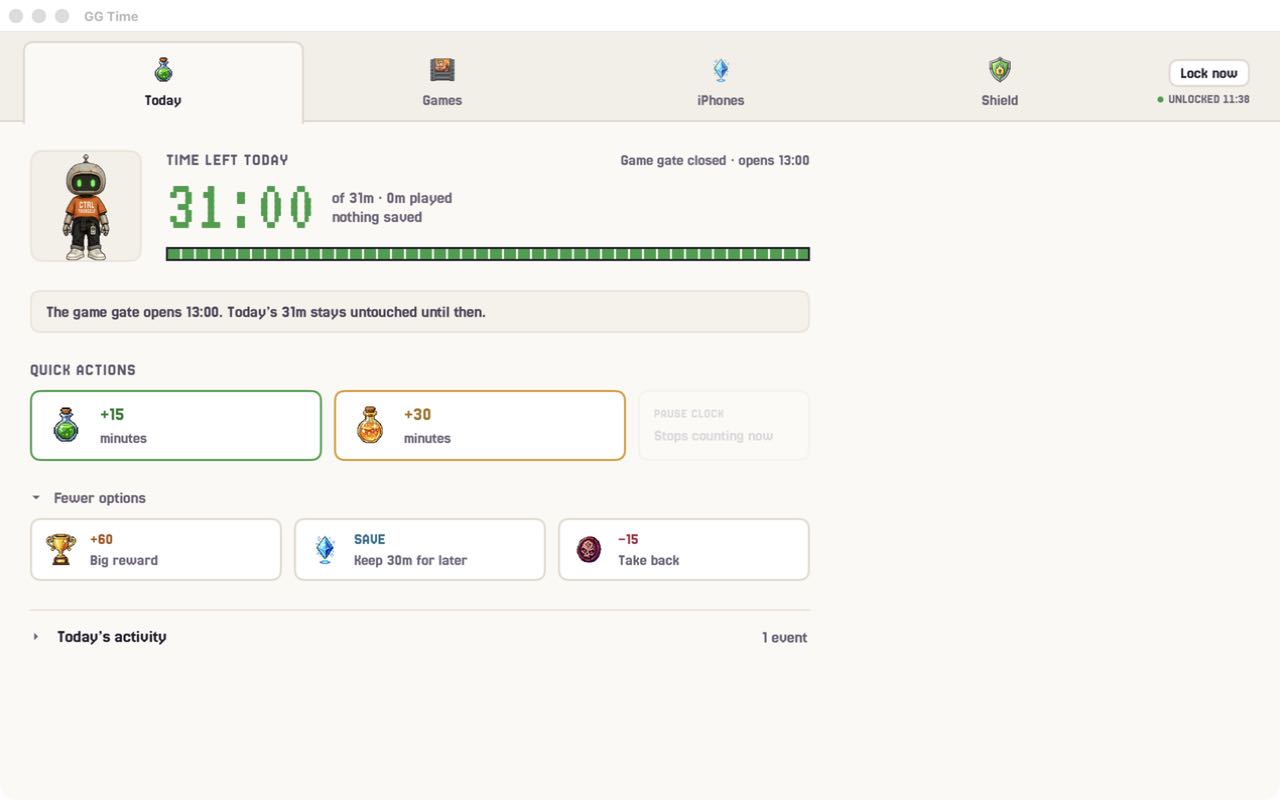
Parent controls also work on the Mac behind your PIN. Reasons are optional, but future-you will appreciate them.
SAVE FOR LATER
Send time now, or save it as a coupon in the child’s wallet on Mac. They choose when to redeem it. A wallet with expiry dates and no crypto. We checked.
Kept practising
IN THEIR WALLETAny time
IN THEIR WALLETMovie night
IN THEIR WALLETYOUR CLOCK. YOUR LIST.
In Games & Limits, choose any Mac app from Applications. GG Time adds that app to the shared clock. Everything else stays out of it.
Yes, it reads the actual .app. No, “Homework Helper Pro” is not a convincing disguise.
HOW IT KNOWS
Matches the frontmost app’s real bundle identity.
Recognises launched games across your Steam libraries.
Follows the official launcher, Lunar Client and Modrinth into their Java runtimes.
Only selected apps use minutes, and only while they are frontmost. Background-launcher theatre is free.
THE OUTSOURCED TIMER
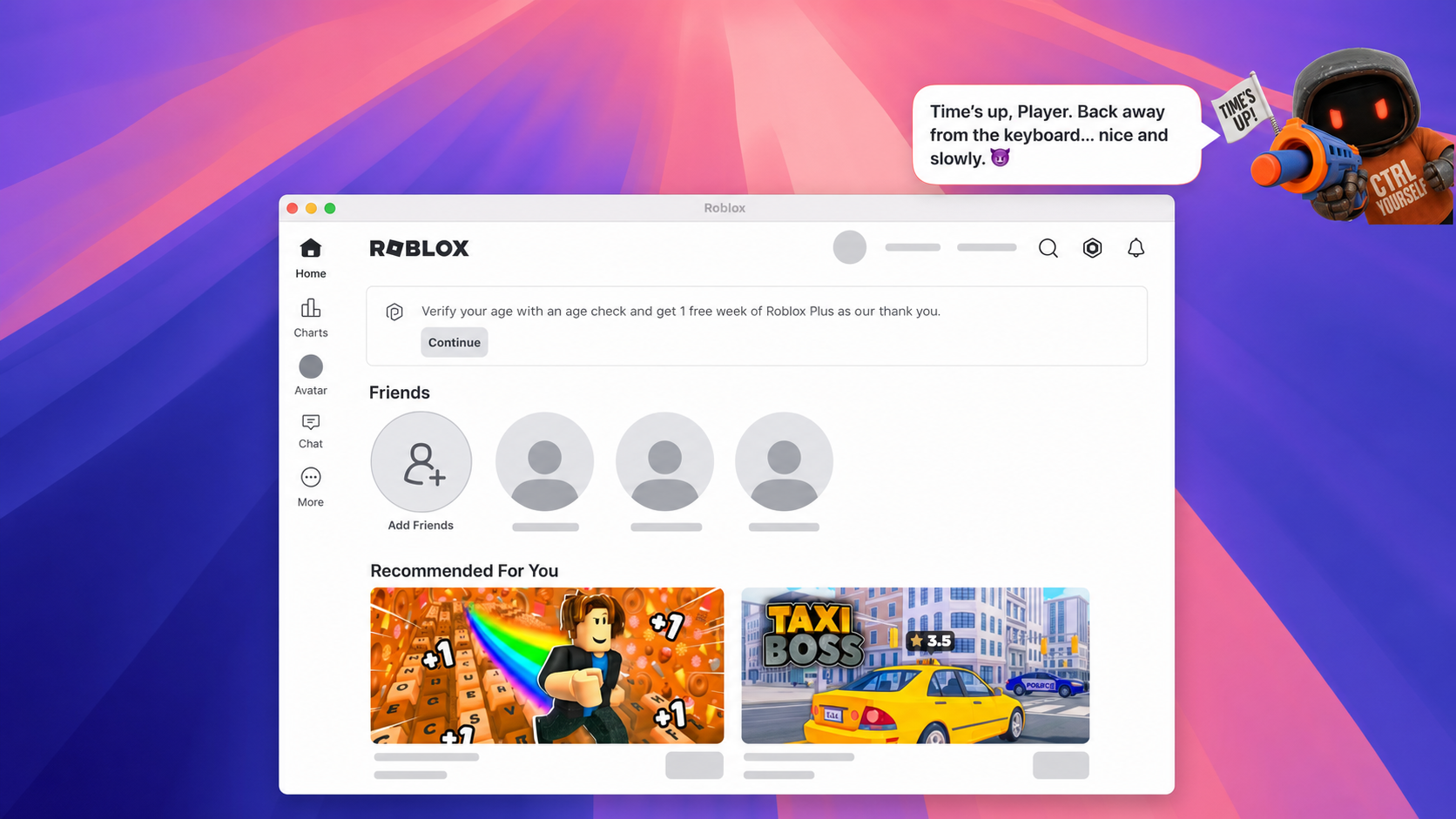
Your child sees the time while playing. GGbot starts friendly, gives a five-minute warning and becomes noticeably less diplomatic at zero.
30 MIN LEFT “Choose your next mission wisely!”
5 MIN LEFT “Save your progress and finish like a champion.”

“Time’s up. Back away from the keyboard… nice and slowly. 😈”

Technically, GGbot is a state machine. Emotionally, it is the colleague willing to send the awkward email.
FIELD TESTED AT HOME
Screen-time software has an extremely motivated QA department living in the house. He found shortcuts. We turned them into tests and built a stronger shield. Thanks, son.
Zero means closed, not “please stop when convenient.” The limited app stays closed until a parent adds time or the next day begins.
Household zero-trust, with snacks.
Hardened, not hack-proof. Keep the administrator password with the parent. Apple Screen Time can remain a second hard cap for children who consider Terminal a puzzle game.
YES, WE KNOW
You should. GG Time solves the bit around it.
Screen Time handles app limits, schedules and restrictions. GG Time does not replace it. Apple is also adding Time Allowances in its upcoming OS 27 releases.
GG Time handles the human bit: notice real-world effort, say why it mattered, send minutes, then let your child play now or save them.
Screen Time guards the door. GG Time handles the family deal.
WHEN BOTH CLOCKS ARE RUNNING
Screen Time and GG Time do not sync. Apple can block the game even while GG Time still shows minutes. GG Time cannot override it. Probably for the best.
Coupon still saved? It stays in the wallet until used or expired.
Coupon already used? The remaining minutes stay in today’s GG Time balance, do not return to the wallet, and expire at midnight.
Best default: use Screen Time as the higher emergency ceiling and GG Time for the everyday allowance. Keeping a strict one-hour Screen Time cap means approving more time in Screen Time too.
Set up both clocks without creating a time paradox →BEFORE YOU INSTALL
An Apple-silicon Mac with macOS 14+, a Standard account for your child and your administrator password. An iPhone with iOS 17.4+ is optional for remote parent controls. Tea remains optional.
The Mac checks which app is frontmost. The iPhone uses its camera for the pairing code, Face ID or passcode for changes, and Local Network for nearby delivery.
Balances, reasons, settings and history stay on your devices and in your family’s private iCloud share. GG Time runs no separate family-data server.
After the Mac install, create a five-minute pairing code in Parent Access and scan it in GG Time Parent. iCloud carries remote changes; nearby delivery is the fallback. Get iPhone access through the family pilot.
Yes. Release 1.2.9 is signed with Developer ID, notarised by Apple and published with a checksum. Updates wait for the parent, as they should.
Read the family installation guide → Read the plain-language privacy details →
FAMILY PILOT PRICING
The Mac app, Parent iPhone companion and pilot updates cost nothing during the family pilot. Future pricing will be published before anything changes. No surprise billing side quest.
READY PLAYER PARENT?
You decide what earns time. GGbot counts it. Your child gets a choice. You get to stop being the human alarm clock.
Signed & notarised · macOS 14+ · Apple silicon · free during the family pilot