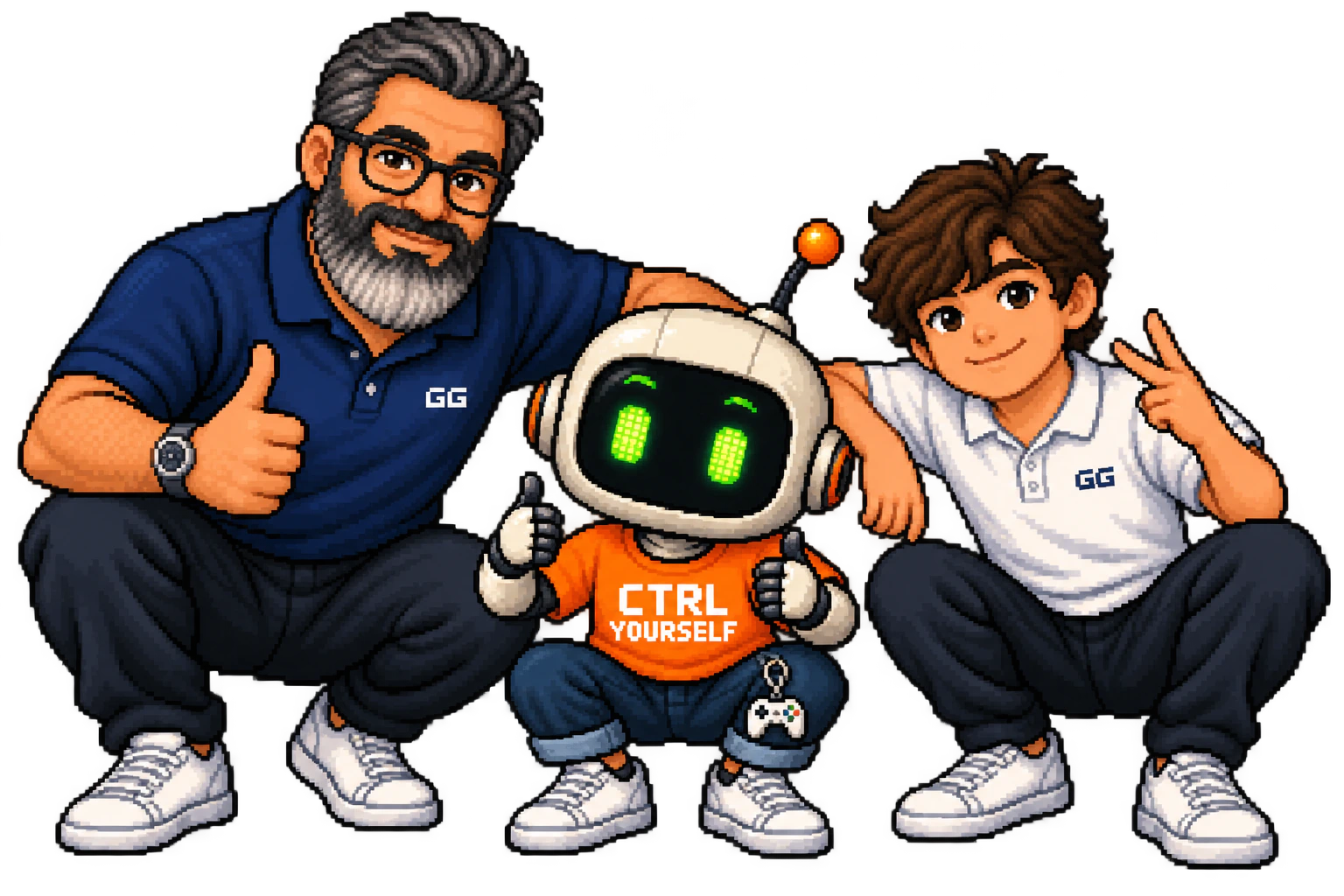
One gaming-time balance on your child’s Mac. Rewards from your iPhone. A little less negotiating over “one more round.”
GG Time started as a father–son experiment during the August holidays at home. I built it, my son tested its limits, and we kept improving it. Now we’d like to find out whether it helps other families too.
Open the invitation on your iPhone, install Apple TestFlight, then accept and install GG Time Parent. Connect it to your child’s Mac using the setup guide below.
Try it through a few ordinary gaming sessions. We’d love to hear what works, what gets in the way, and what your child thinks of it.
Was installation and pairing straightforward?
Did game time, rewards and stopping work as you expected?
Did it make the daily conversation about gaming any easier?
You can send iPhone feedback from TestFlight using Send Beta Feedback. Please leave children’s names and other personal details out of screenshots.
Before you join
What does “free during the pilot” mean?
The Mac app, iPhone companion and pilot updates are free while we learn from participating families. Future pricing will be published before anything changes.
Do I need the iPhone app?
No. You can set limits, give rewards and manage games directly on the Mac with your parent PIN. Add the iPhone if you’d like to do those things remotely.
What should I expect from a pilot?
This is a working app used and tested in our family. Other families may have different games and setups, so bugs and updates are part of the pilot. Follow the installation guide’s handoff check before relying on it.
Each iPhone TestFlight build lasts up to 90 days. Install available updates through TestFlight to stay on a current build.
Who can see our family’s data?
Family balances, reasons, settings and activity stay on your devices and in your family’s private iCloud share. GG Time has no separate family-data server. Feedback you choose to send is shared with the developer; TestFlight also shares beta feedback and diagnostics with Apple.